Interface Gallery
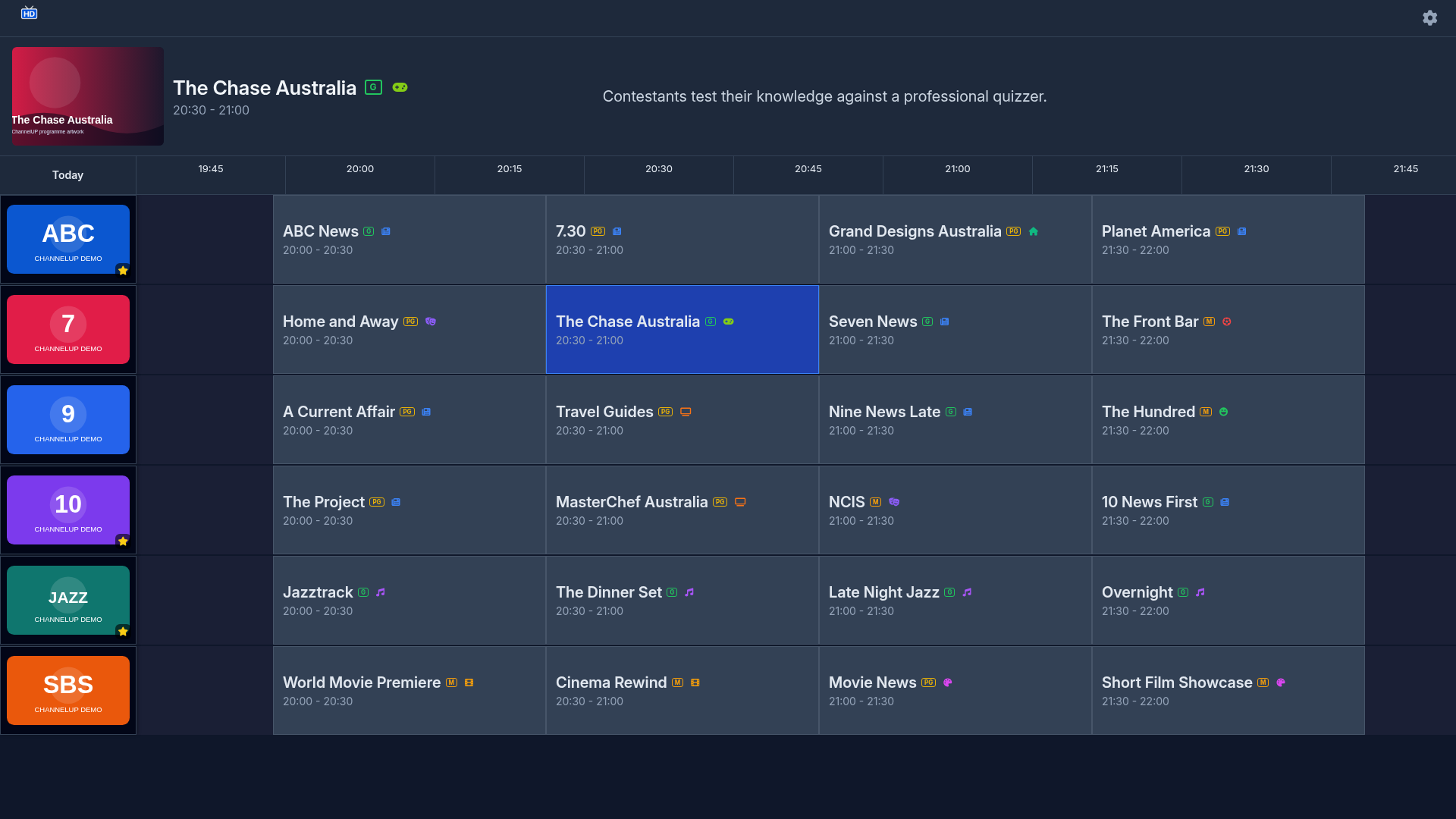
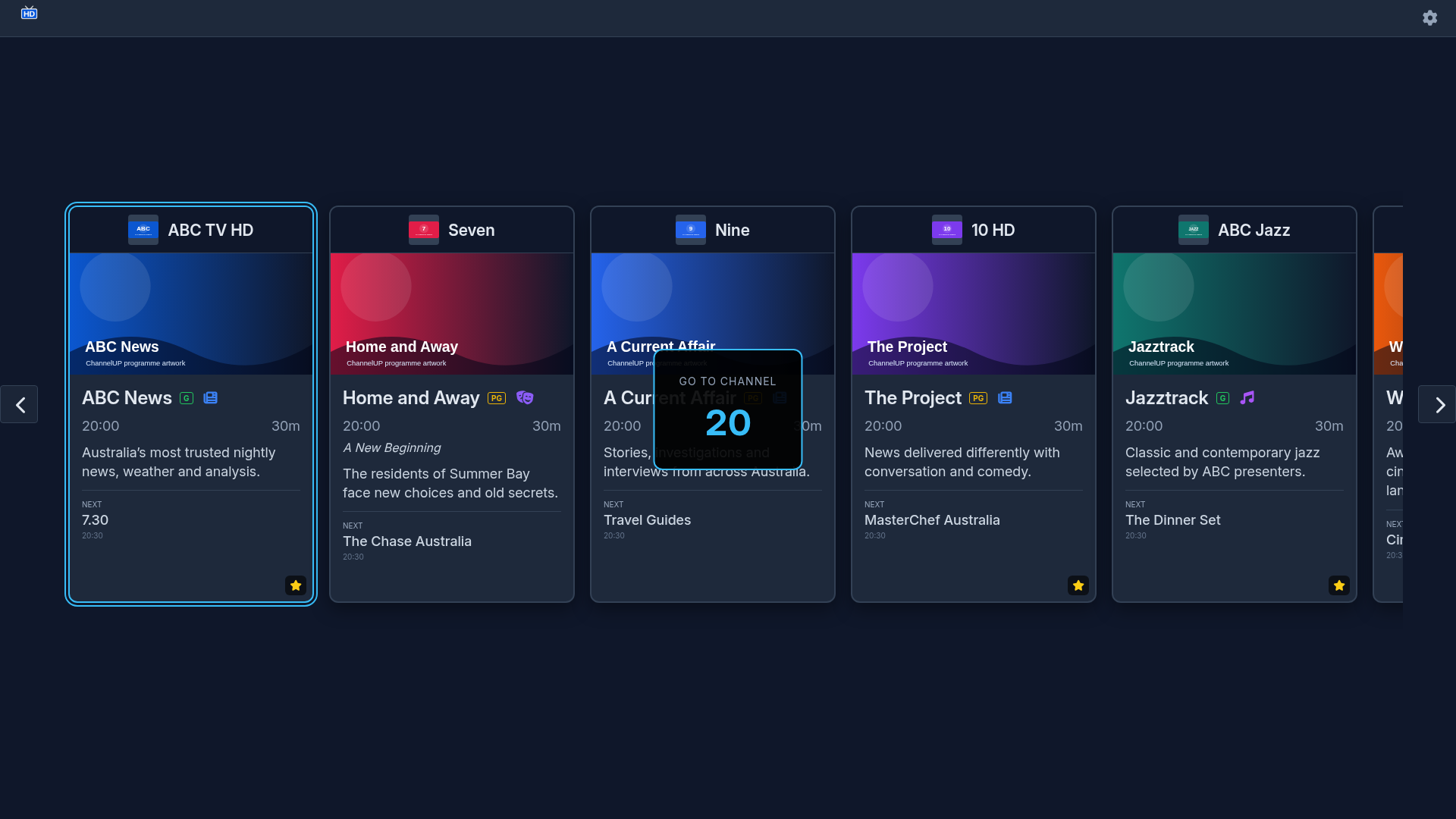
These captures show the ChannelUP 1.0.3 production interface at 1920×1080. They use deterministic guide, tuner, video and audio fixtures so that each screen can be documented consistently. The application layout, navigation, focus handling and overlays are the production interface.
Playback fixture
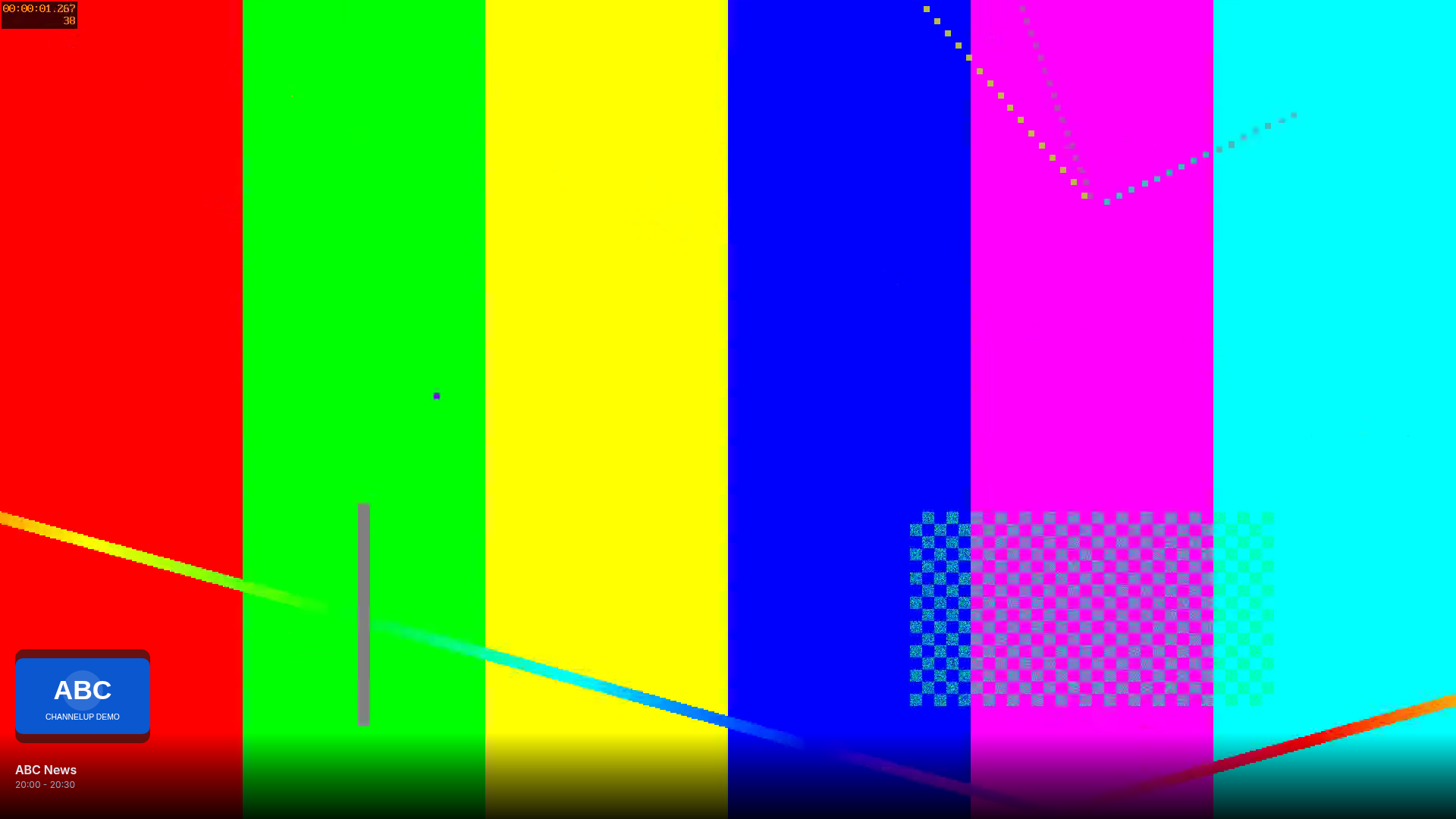
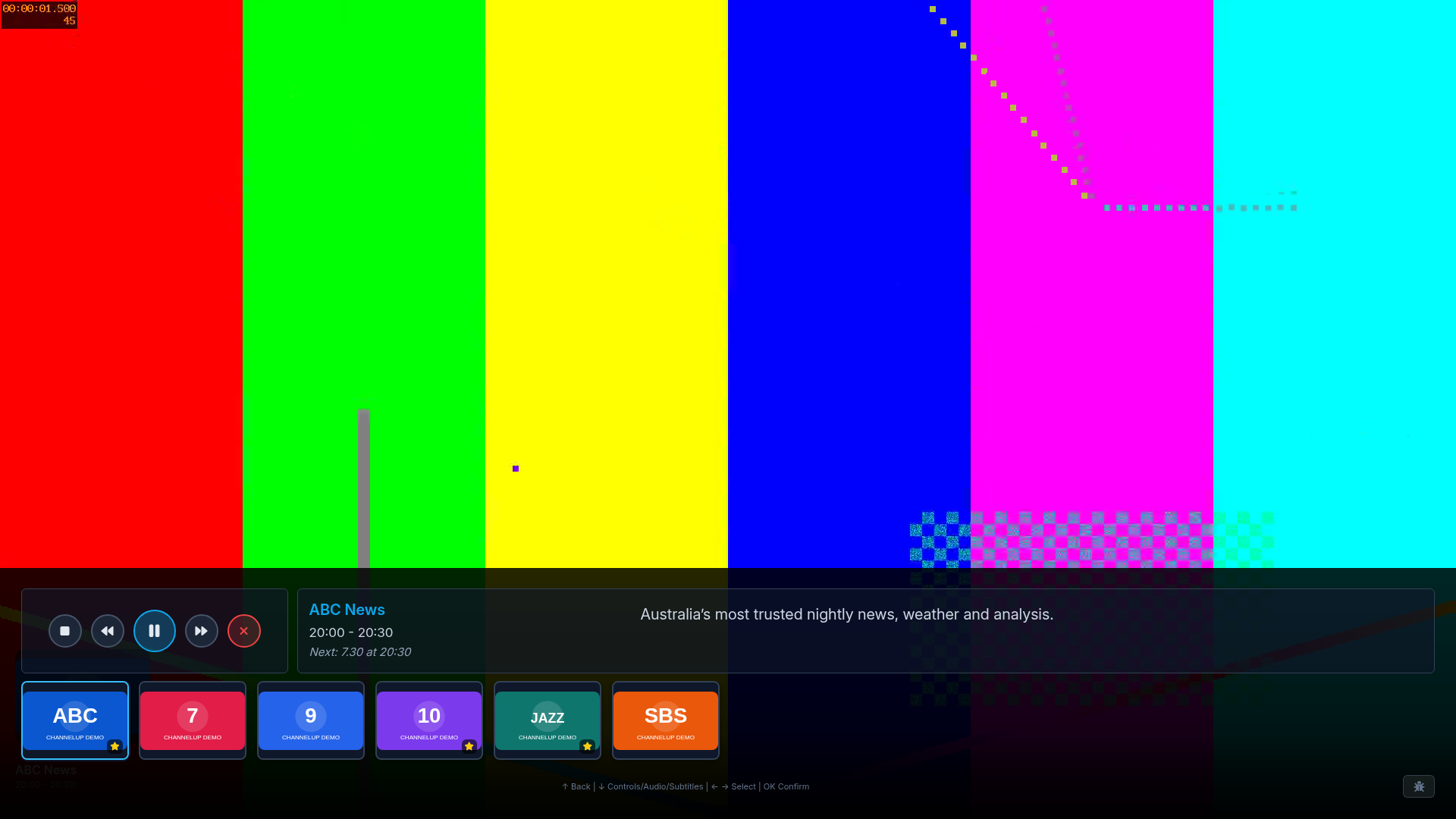
The fullscreen video image is a test pattern rather than a television broadcast. Actual playback and hardware decoding depend on the LG TV, HDHomeRun tuner, network and broadcast.
Guides
Channel Carousel
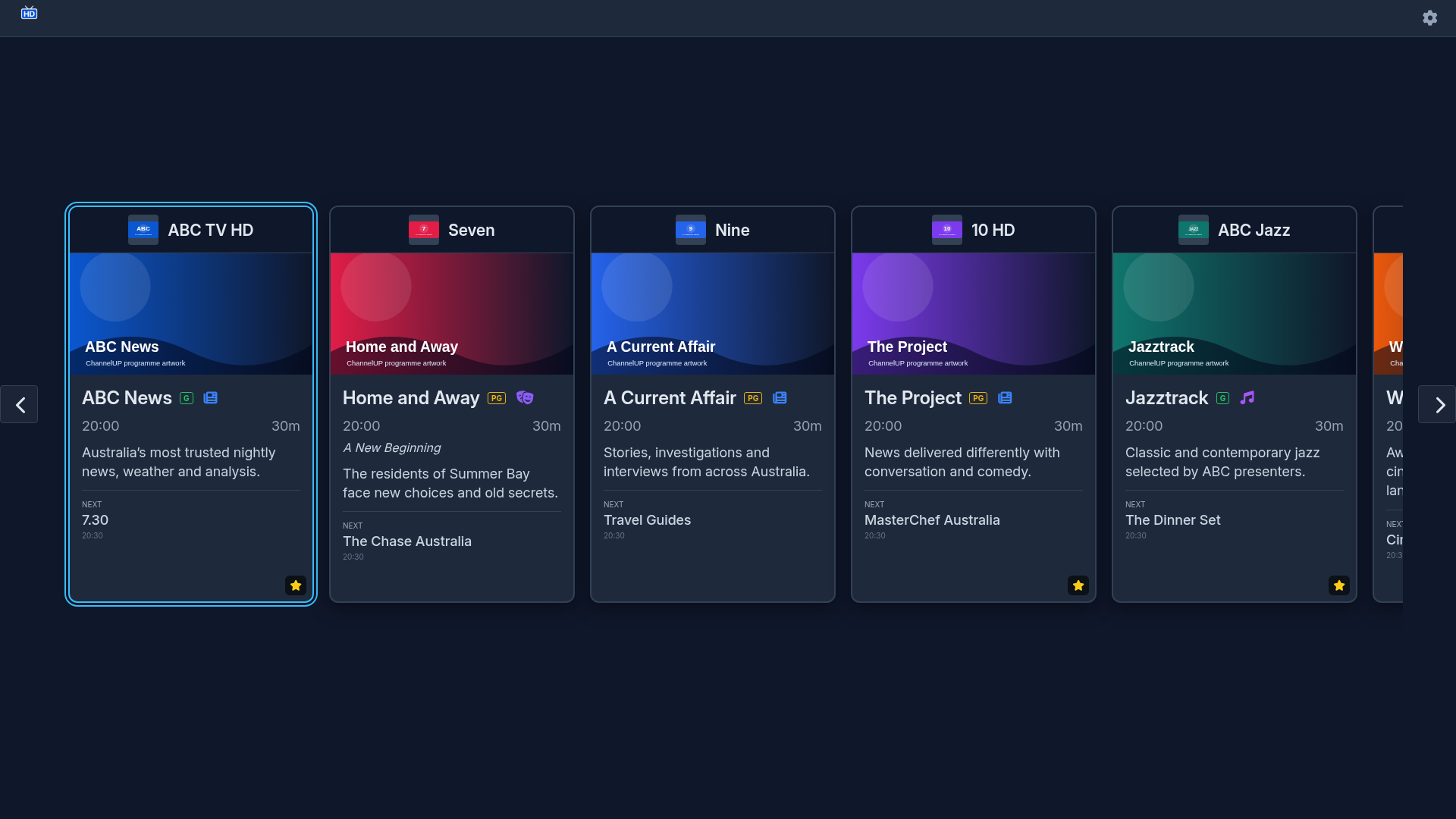
Focused Channel
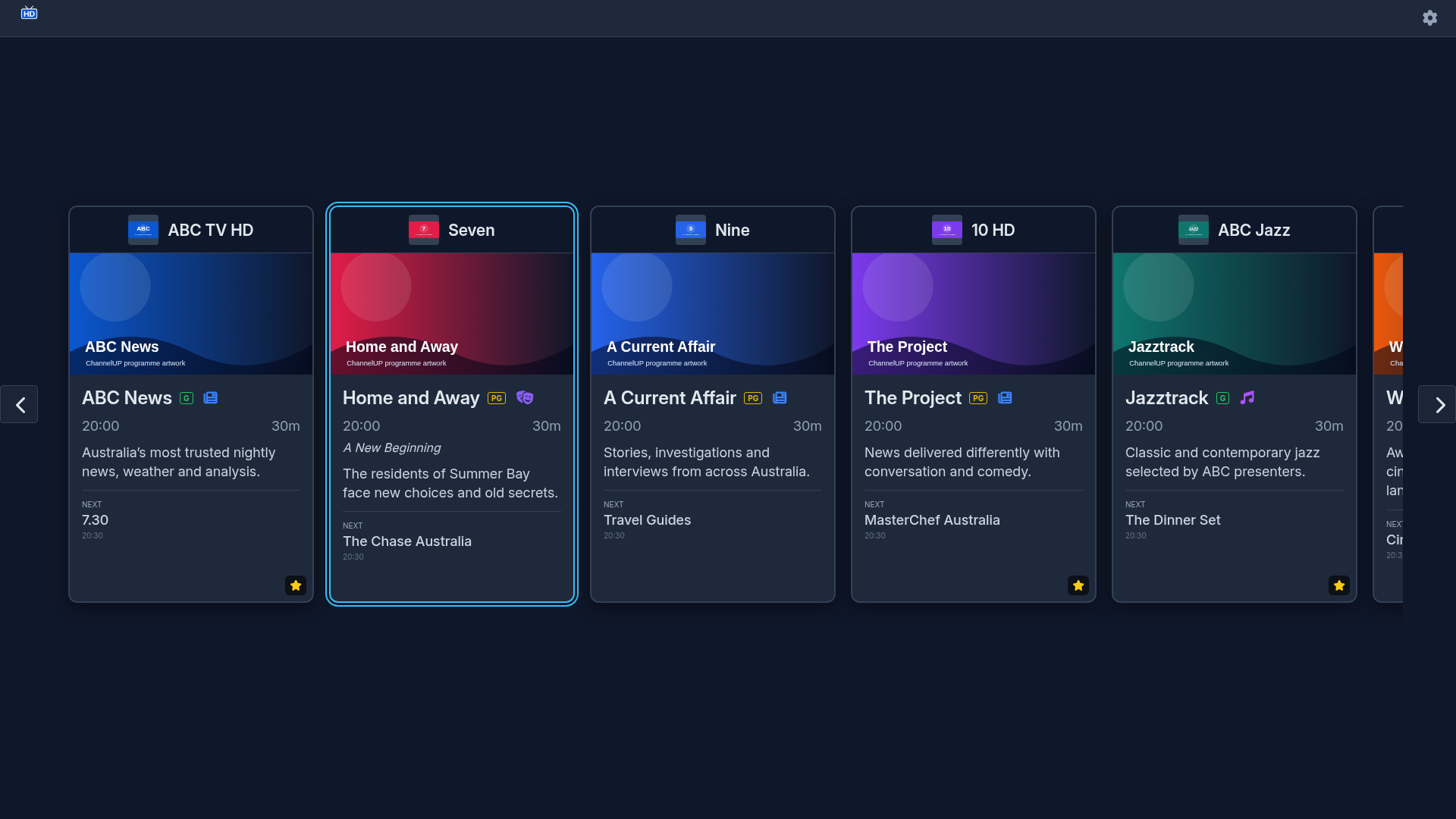
EPG Grid
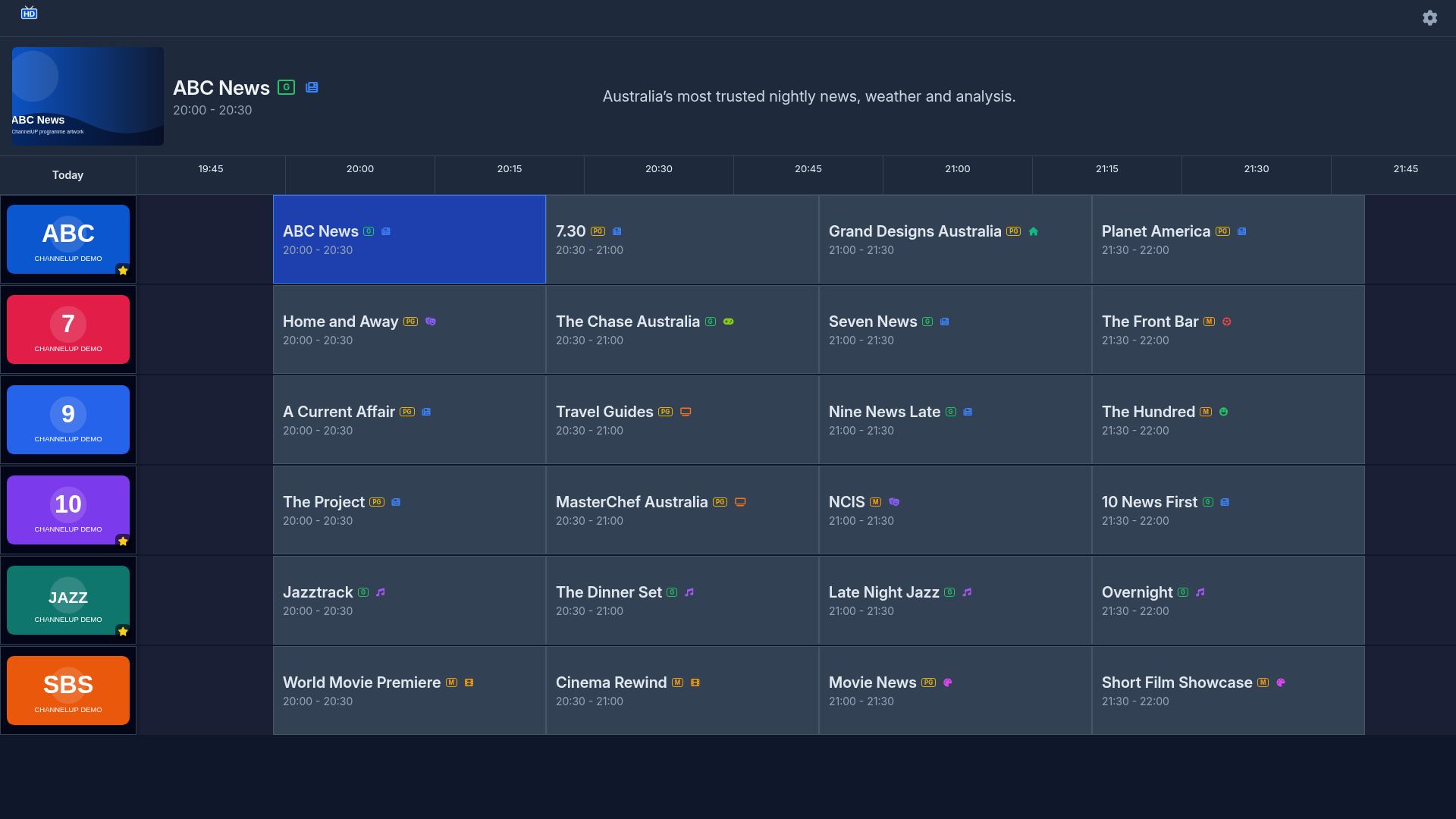
Grid Navigation
Direct Channel Number Entry
Playback
Buffering
Fullscreen Video
Mini Carousel
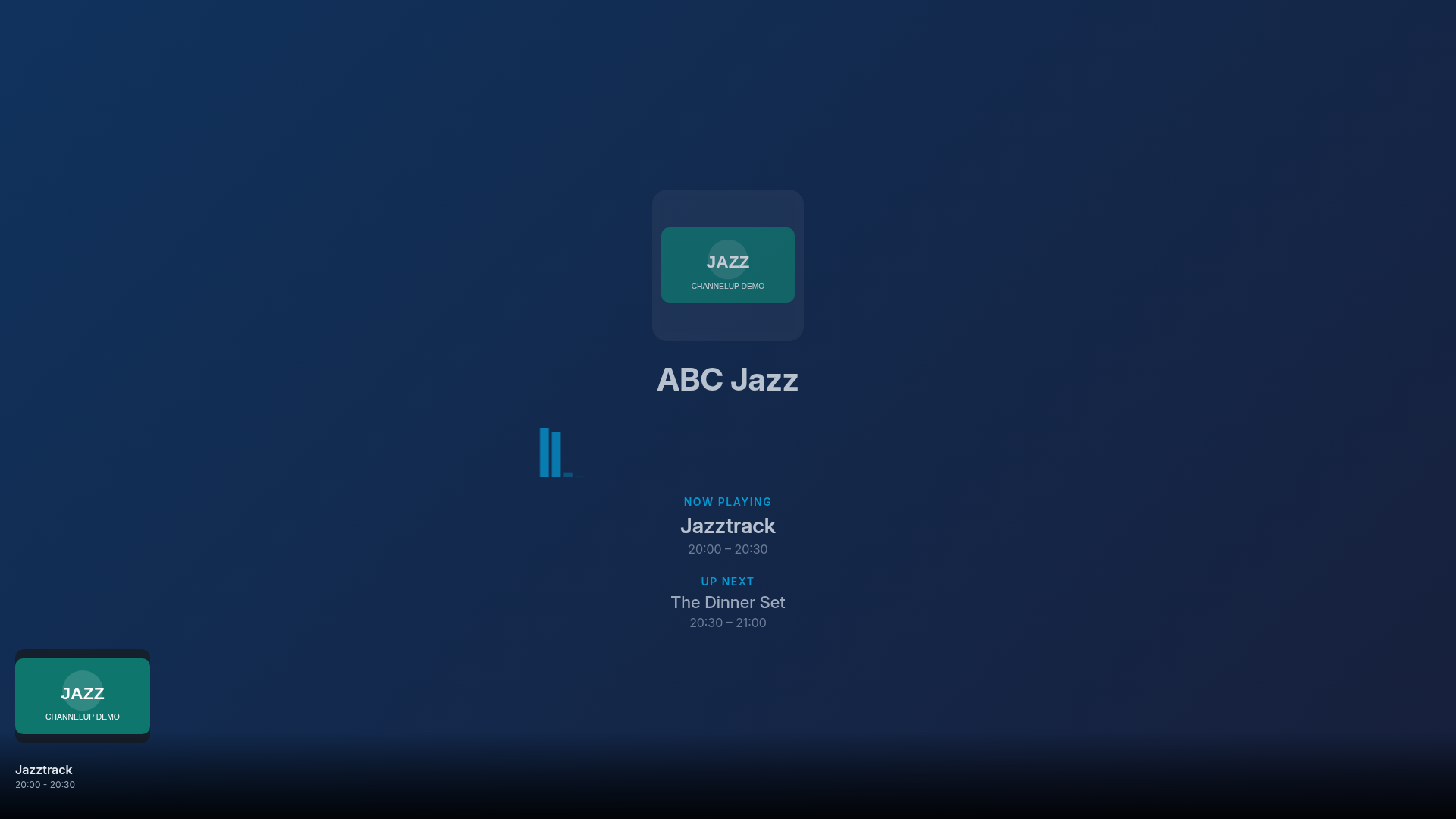
Audio-Only Channel
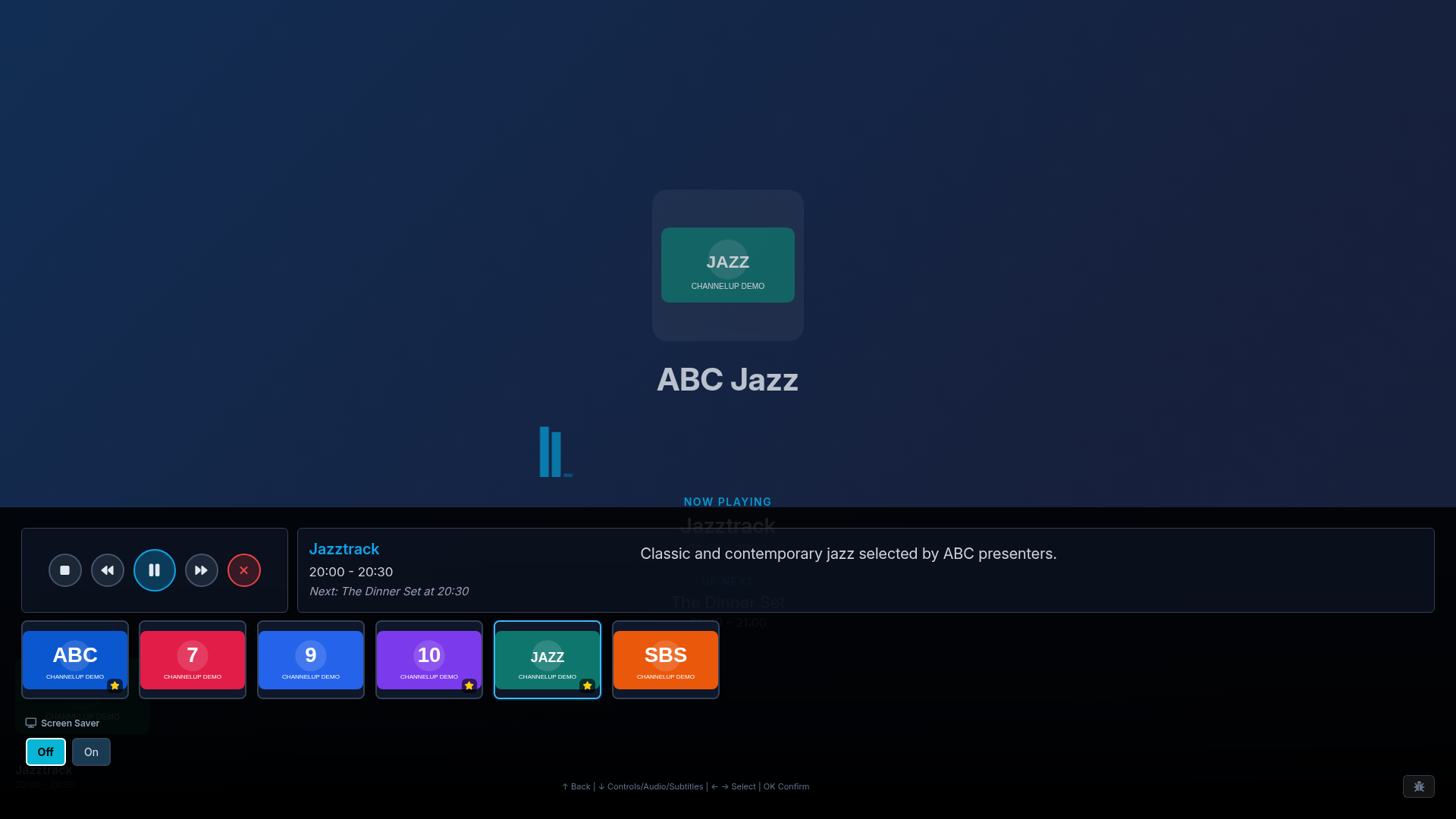
Radio Mini Carousel
Settings and Devices
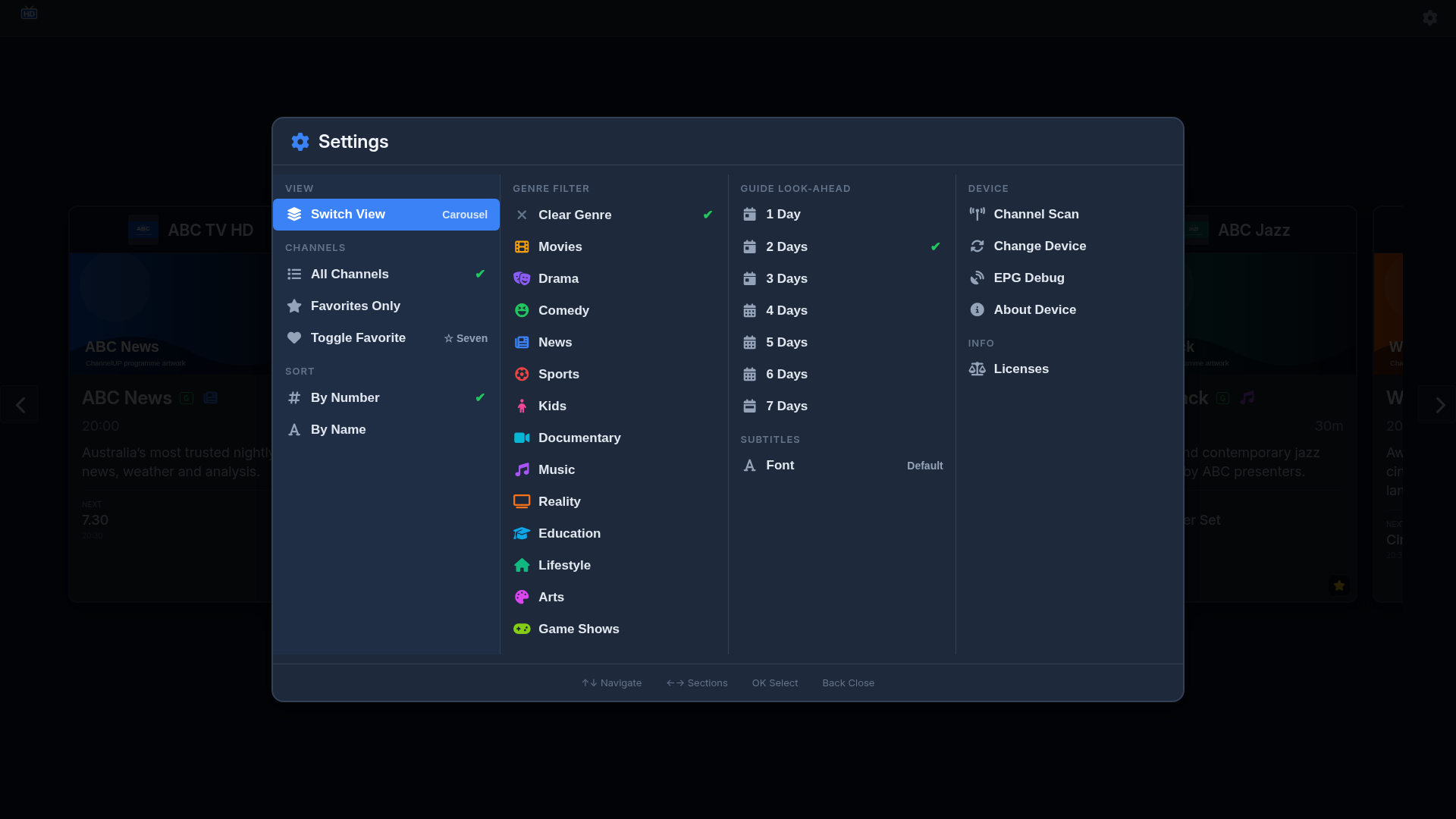
Settings Menu
Favourites-Only Filter
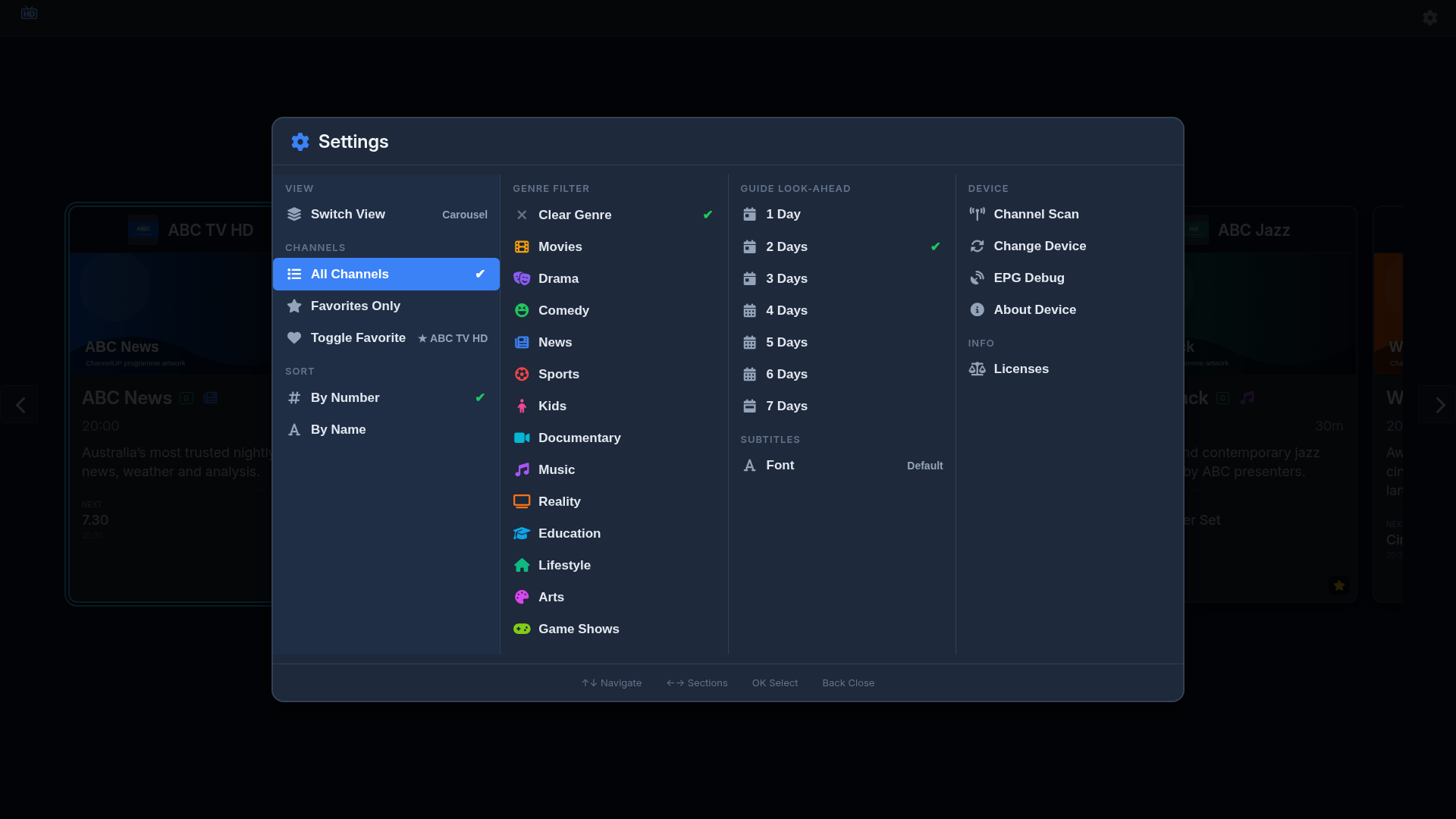
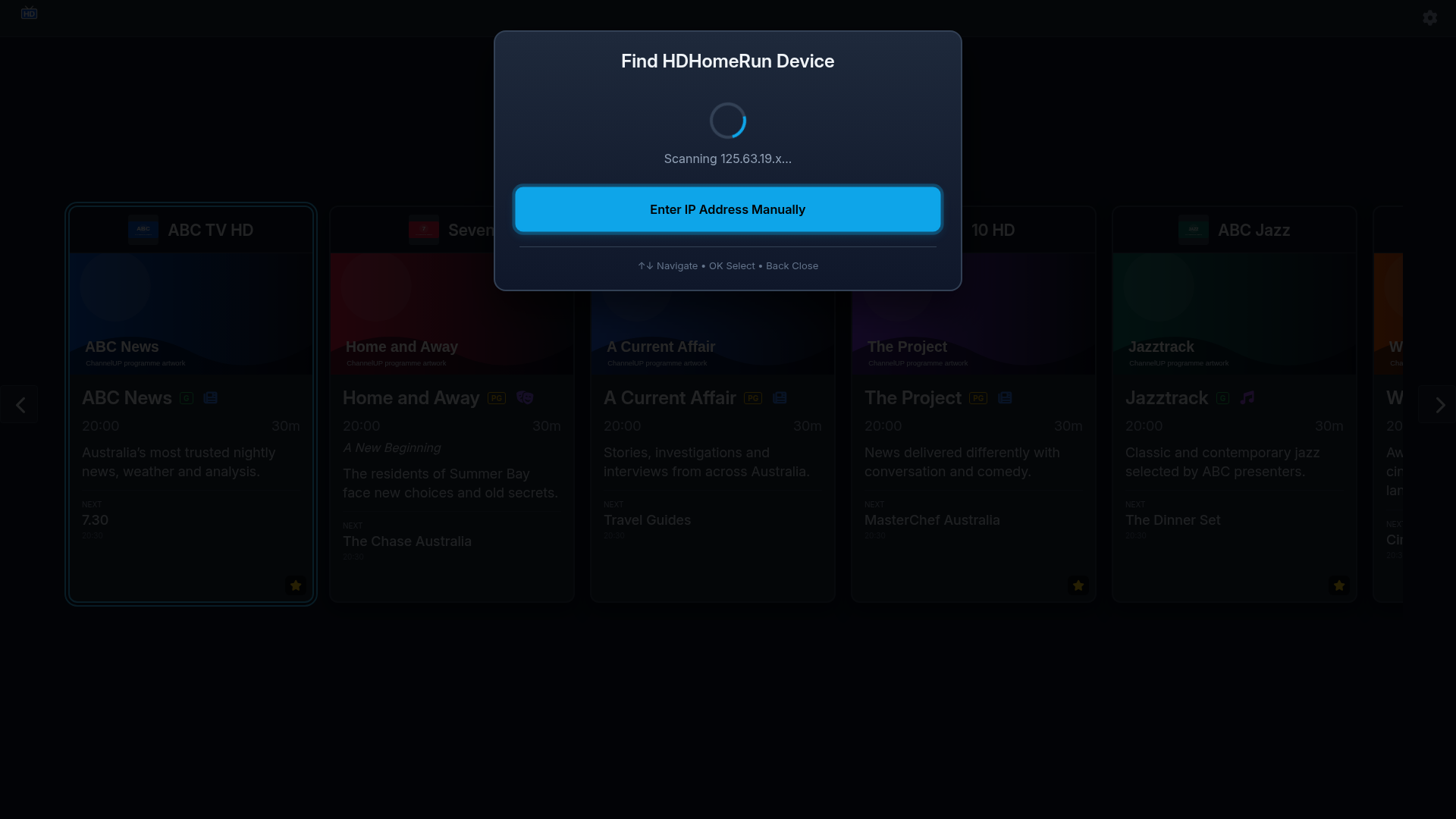
Device Discovery
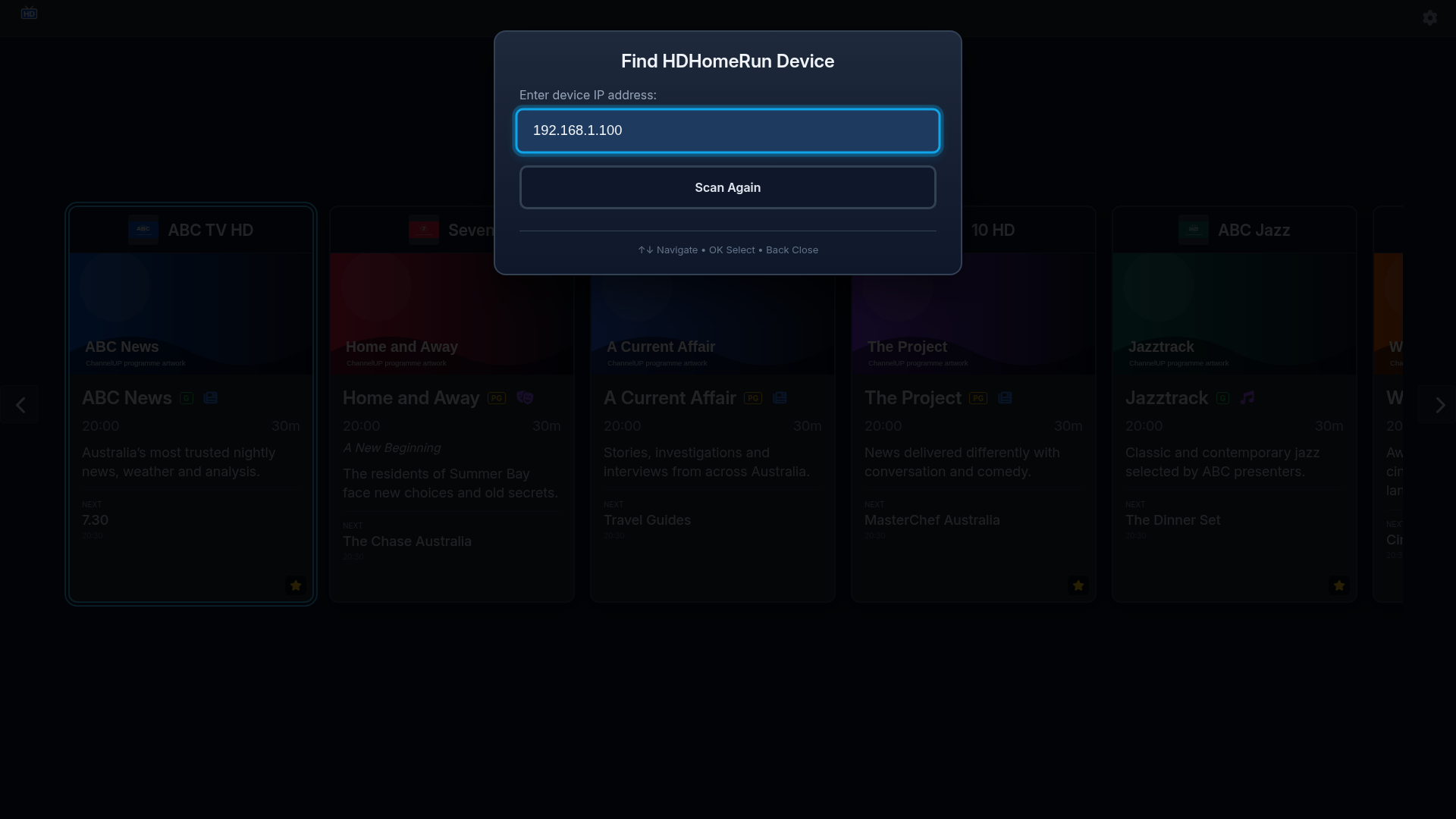
Manual Device Entry
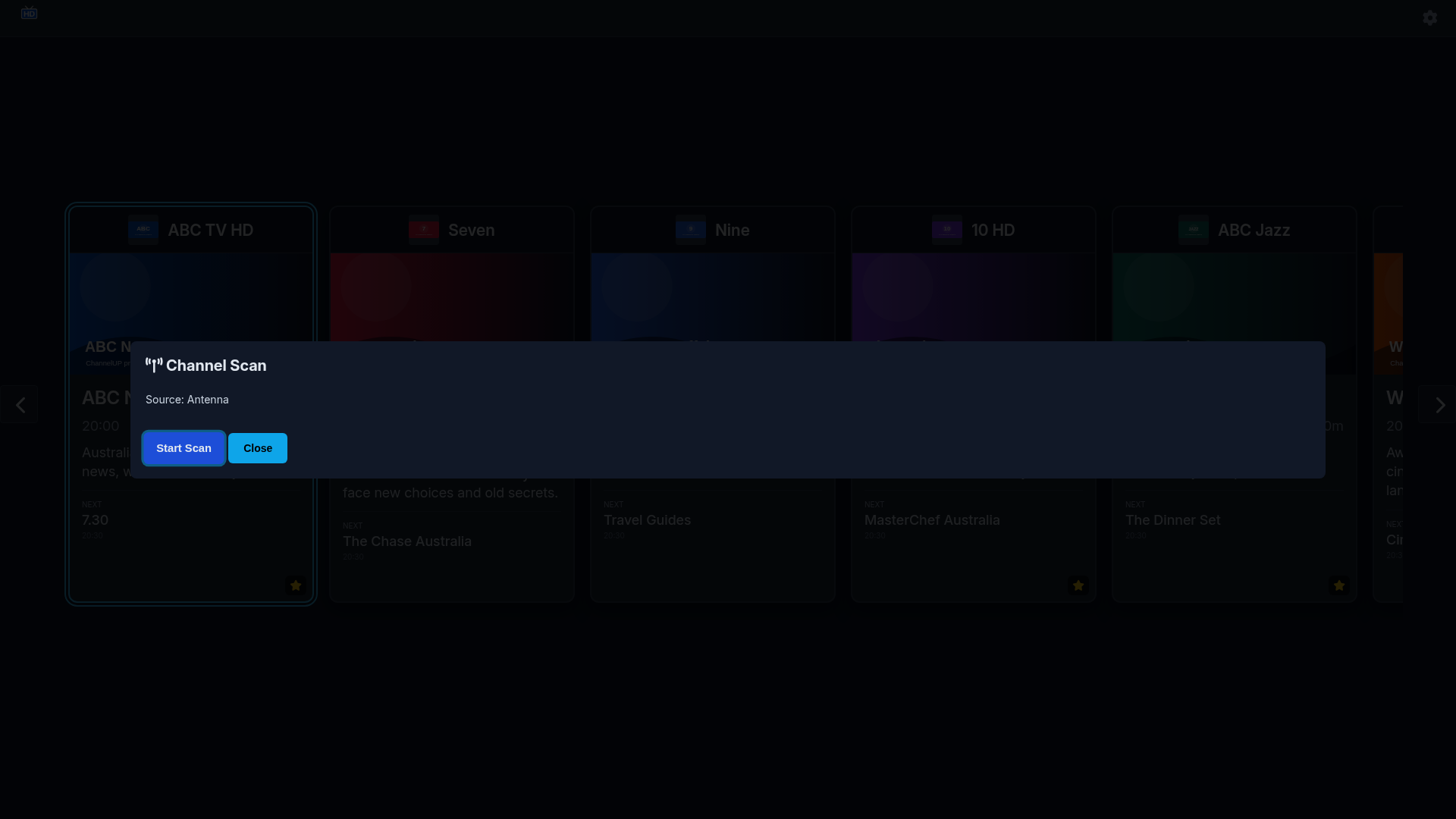
Channel Scan
About Device
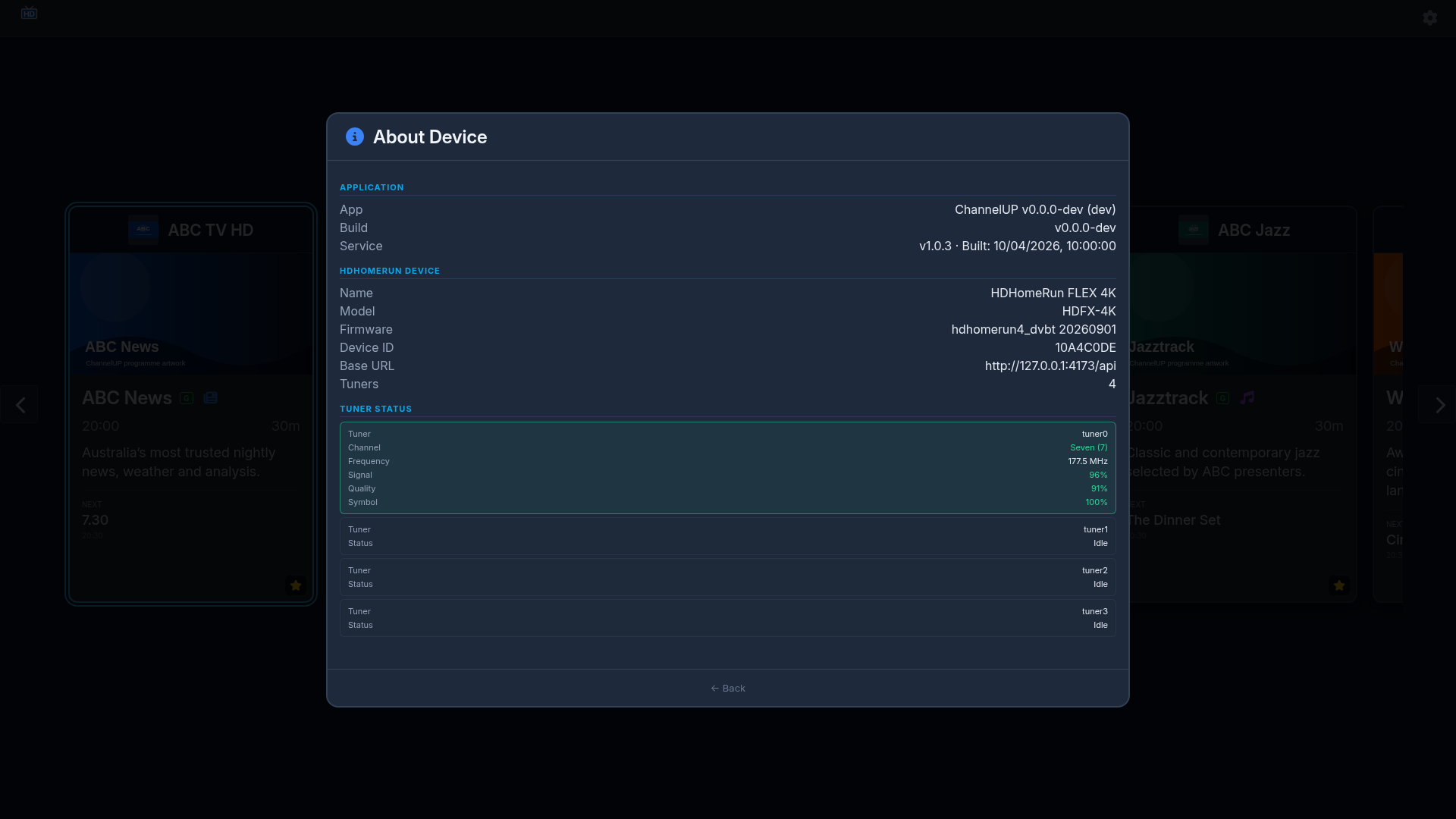
Diagnostics and Licensing
Stream Diagnostics
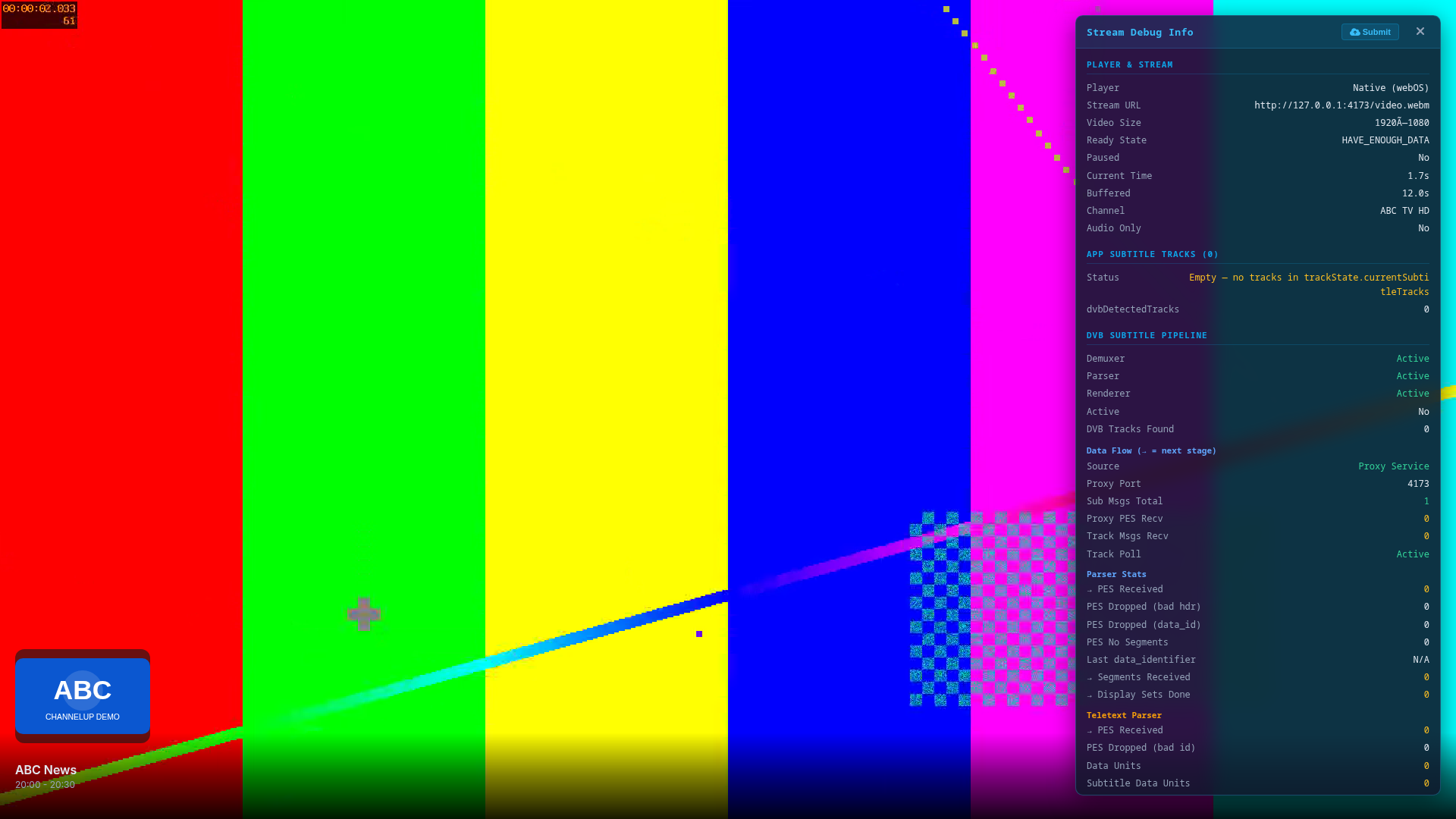
Diagnostic Consent
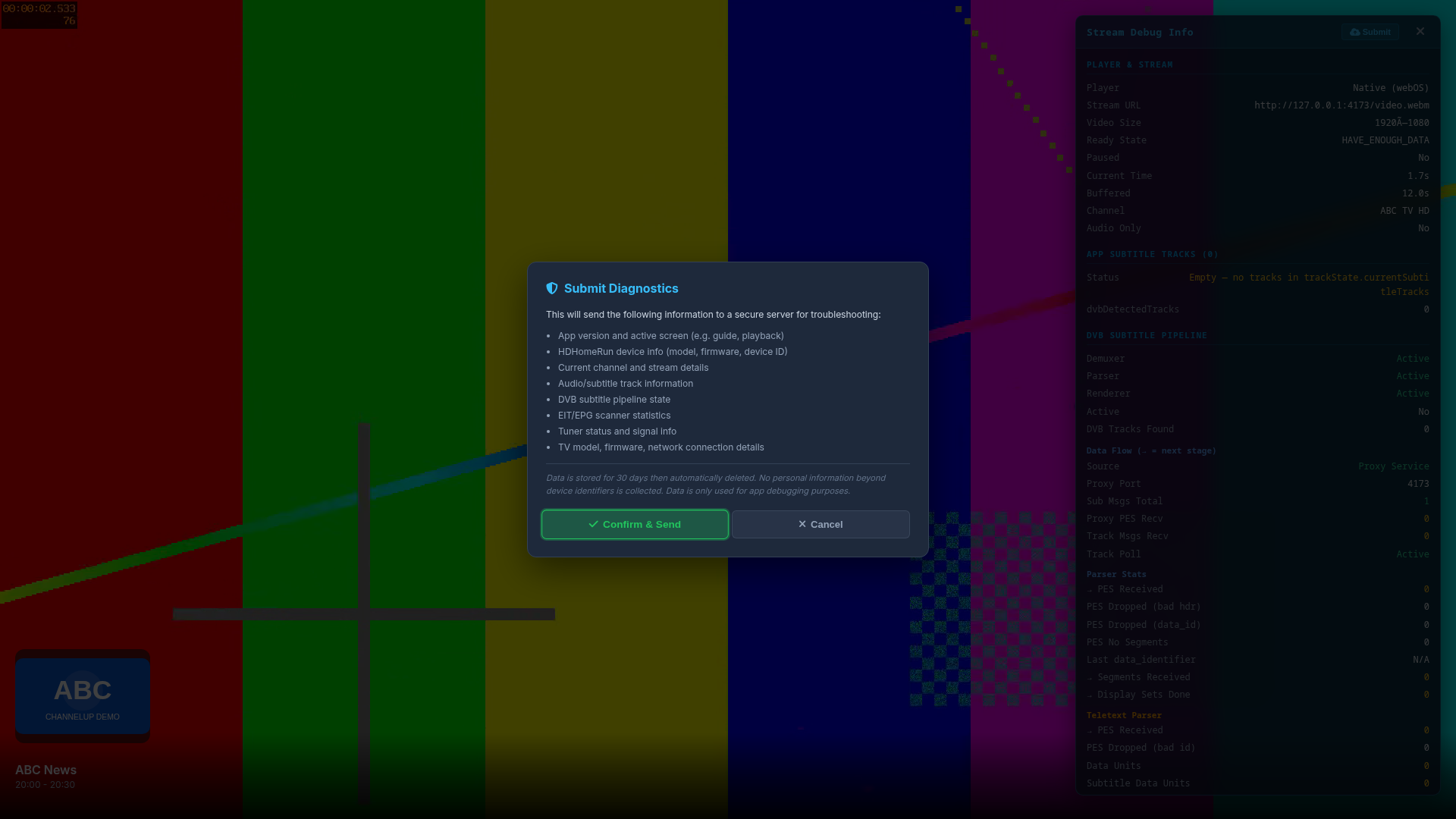
EPG Diagnostics
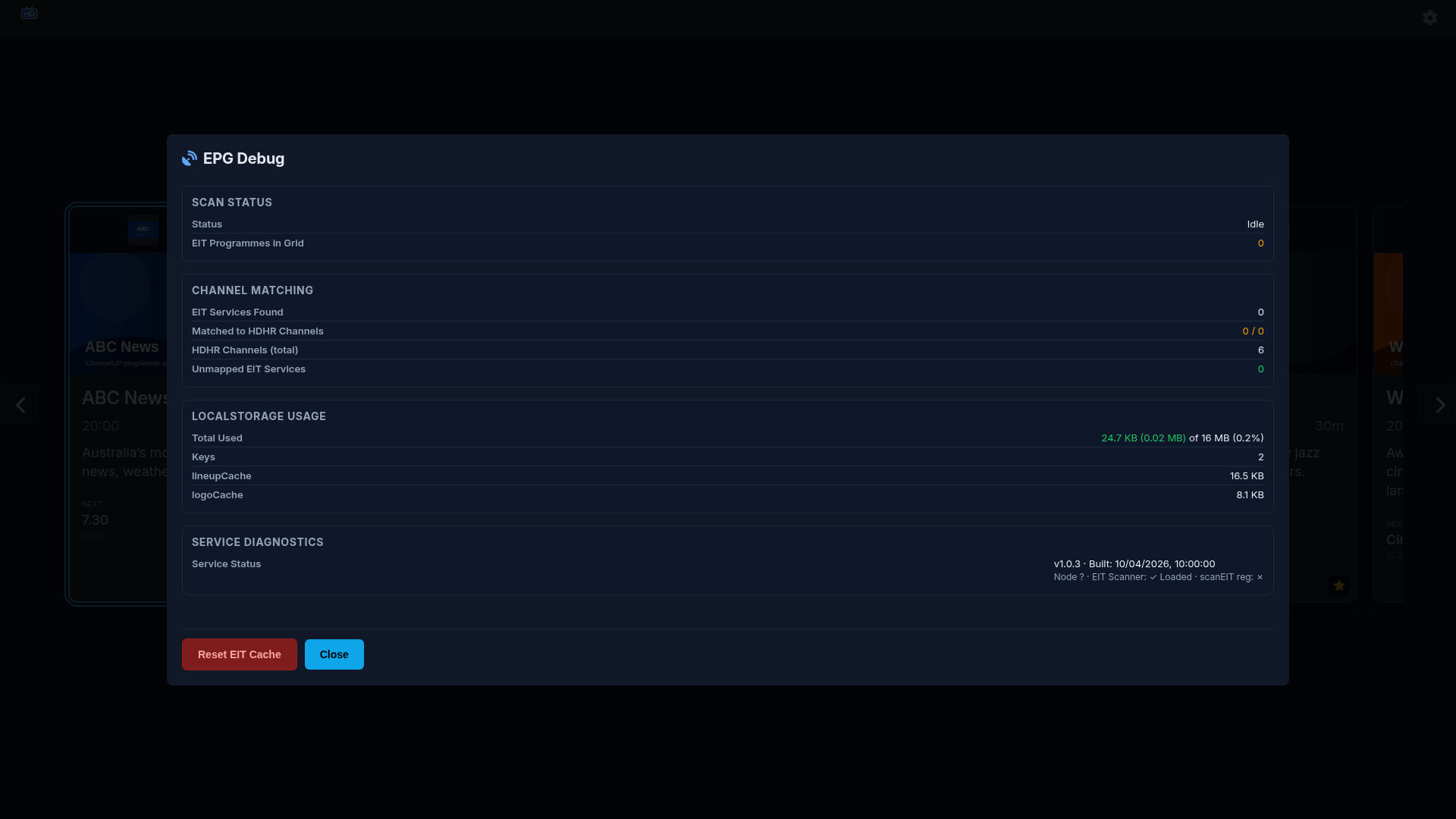
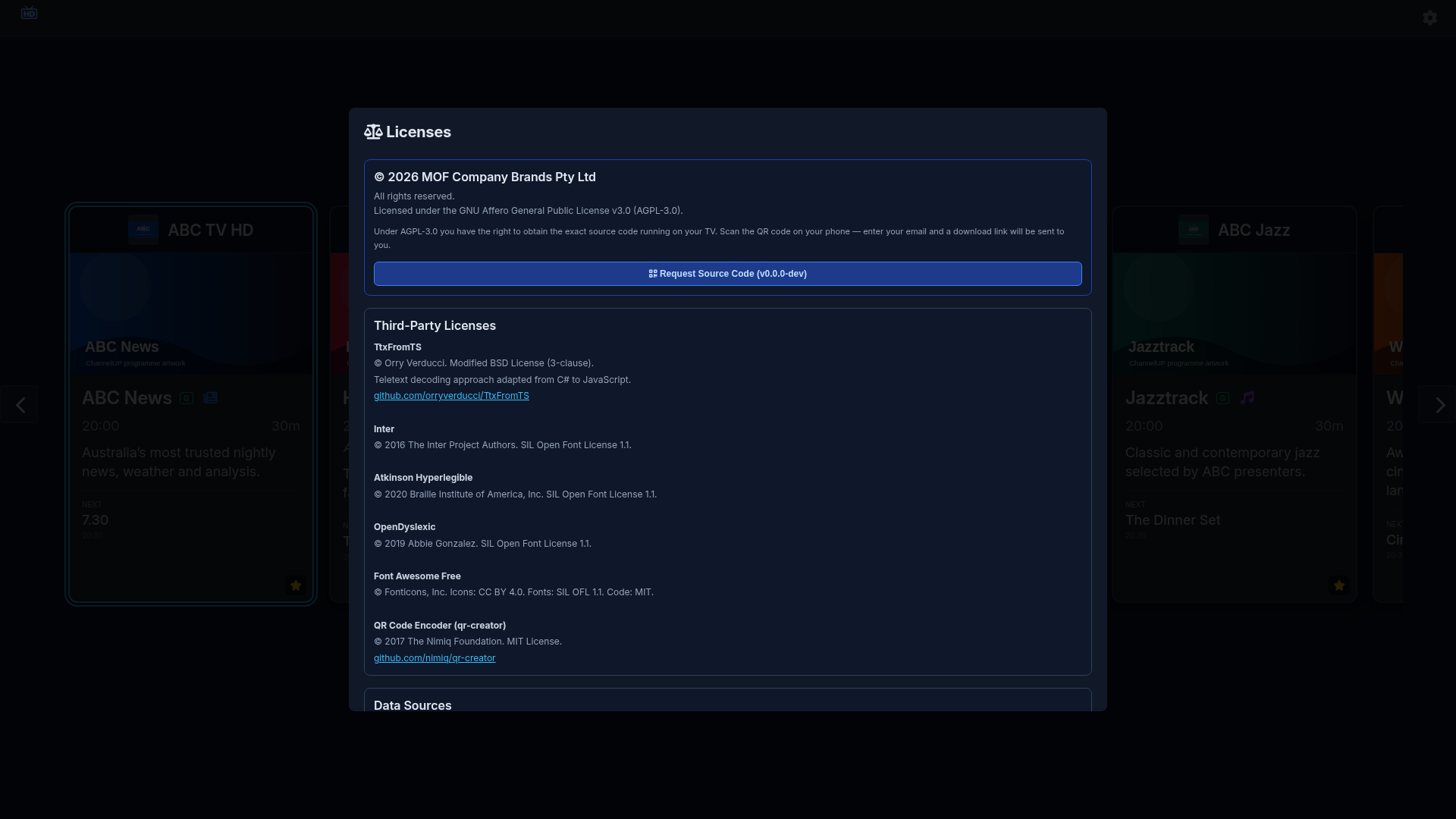
Open-Source Licences